
Back
Biggest App Update
We are bringing a massive update on the EzyCourse mobile app. Whether you are using the free EzyCourse app or the branded mobile app, you can enjoy some exciting new updates on the app.
This is a big update, giving you more control from inside the app. In addition, it will also give your students a wide range of features to maximize engagement. The new update relates to a variety of features within your communities.
While they were still available for you on the web, you can now start using them on the app. As a result, maintaining your platform on the go will become easier.
In this article, we’ll walk you through all the new additions and how you can use them on your EzyCourse mobile app.
Community Tabs
EzyCourse community tabs can easily turn your communities into an engagement hub. You can include various products, give your students more options, and even make learning fun with a leaderboard.
Once you enable the community tabs from your admin dashboard, you and your students can start using all these features within the mobile app. Here’s how the tabs look on your app:
Members
The Members tab shows all the members in the community. From here, students can chat with each other but only if you’ve got the student chat add-on.

Clicking on the name of the members will show their student profile. We’ll discuss the student profile below.
Photos, Videos, and Files
All the images and videos uploaded to the community by either the students or the teacher are now shown on two separate tabs: Photos and Videos.


The Files tab is where you’ll find all the files. That includes PDF, txt, zip, etc. Students can download the files too from here.

Events and Courses
Students can register for events now on your mobile app. If you’ve added any event in your community then it will be visible on the Events tab.

Similarly, you can choose to promote particular courses in the community. And they’ll be visible on the mobile app too.

Leaderboard
Community Leaderboard is an exciting feature where your students can compete and see their position on the leaderboard inside the community. It’s now available on your app too.

Note that you have to still set up the community tabs from your admin dashboard on the web to see all these community tabs on your mobile app. That includes what courses and events are shown in the community.
Student Profiles
Any student or teacher can view the profile of a student and see the enrolled courses, communities, certificates achieved, etc. This is now possible on the mobile app.
Anywhere you see the name of a student including the community feed, chats, members tab, comments, etc. are clickable and will take you to the student profile page.

Read the full documentation on Student Profiles to learn more about it.
Digital & Physical Products
Students can view all their purchased digital and physical products on the homepage of the app.

DRM & Video Watermark
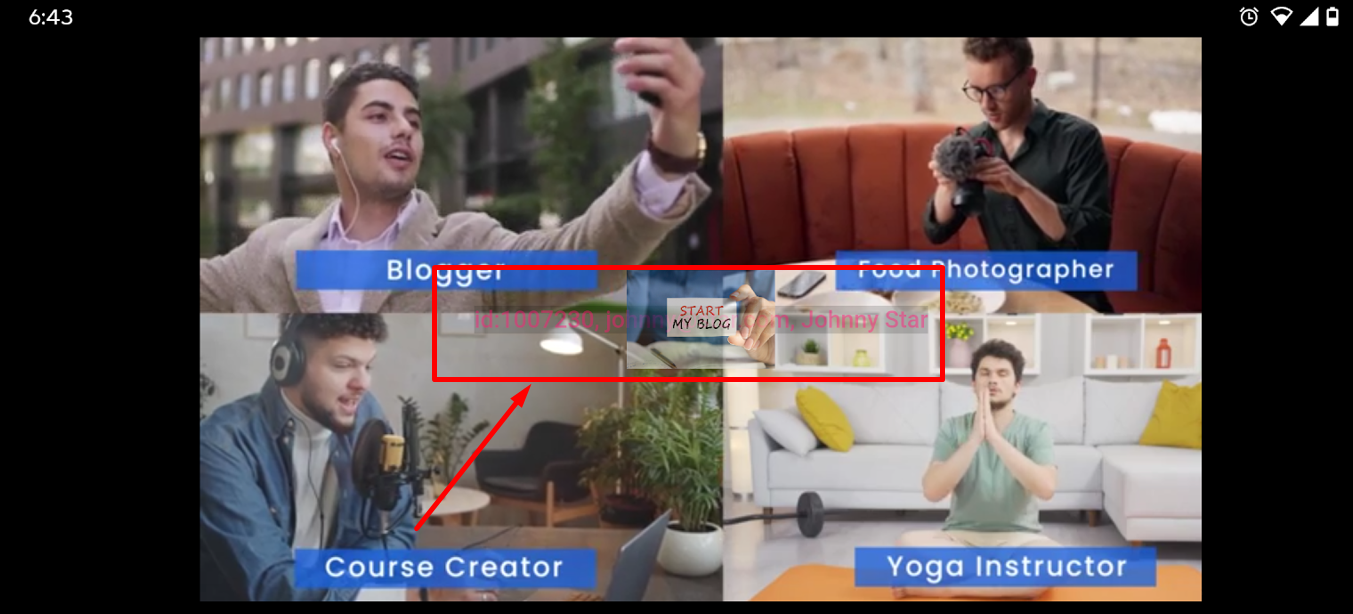
Videos where you’ve used DRM will now be protected on the mobile app also. That means users cannot take screenshots or record the screen of the video. Moreover, text and logo watermarks on videos will now be visible on the app too.
Relate Articles : Digital Rights Management | How to Add Video Watermarks