Back
Expiry Limit for Magic Login
What is it and why you need it
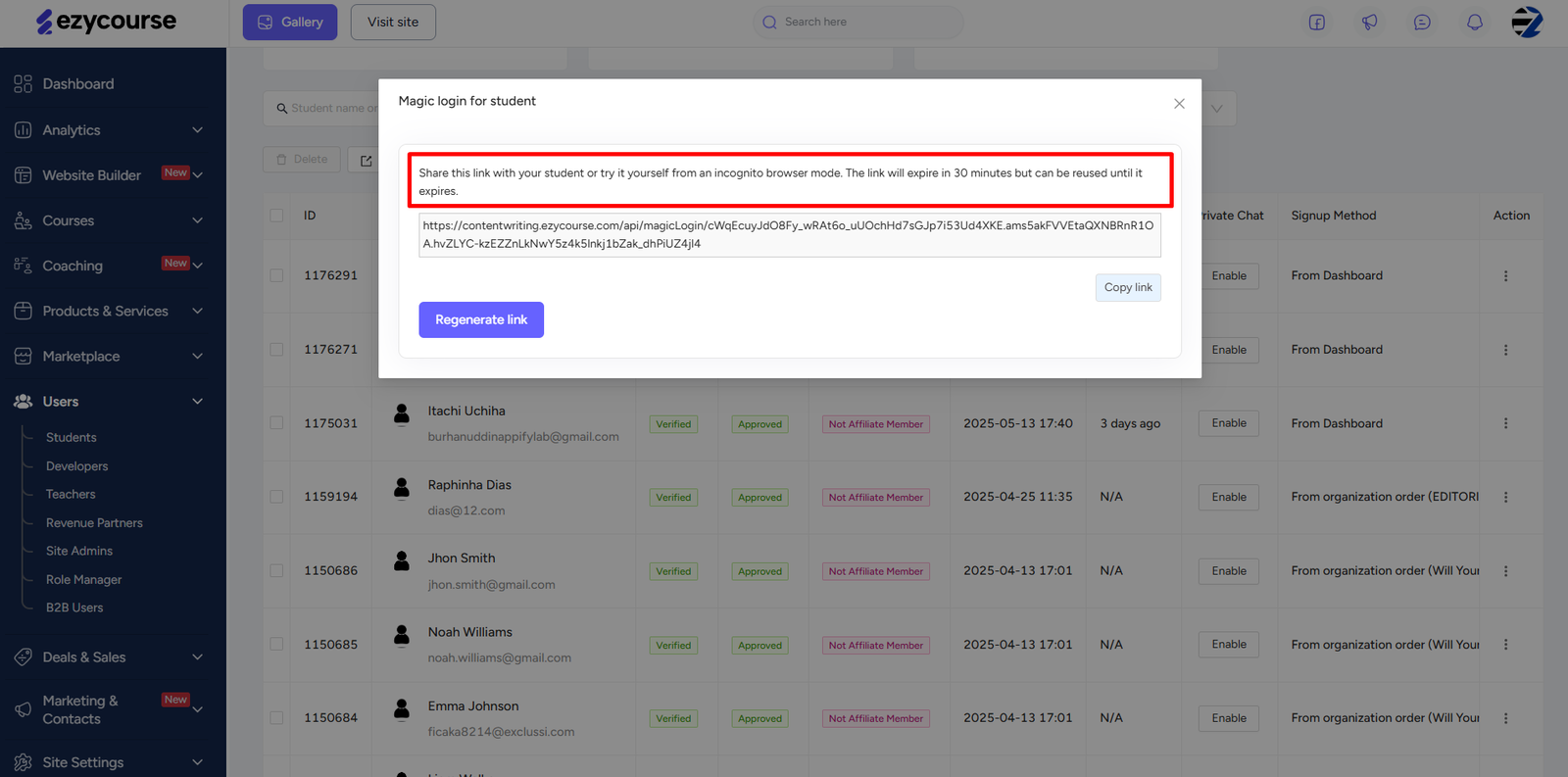
With this new feature update, you can now set the expiry limit for the magic login for your students. Previously, the magic login expiry was set as 3 days by default.
But now, this time-limited login access helps limit the vulnerability window. So now, even when a link is exposed, it won’t work after the expiry time of the magic login you’ve set. As a result, this adds credibility by showing your platform values security and user protection.
How to get started using it
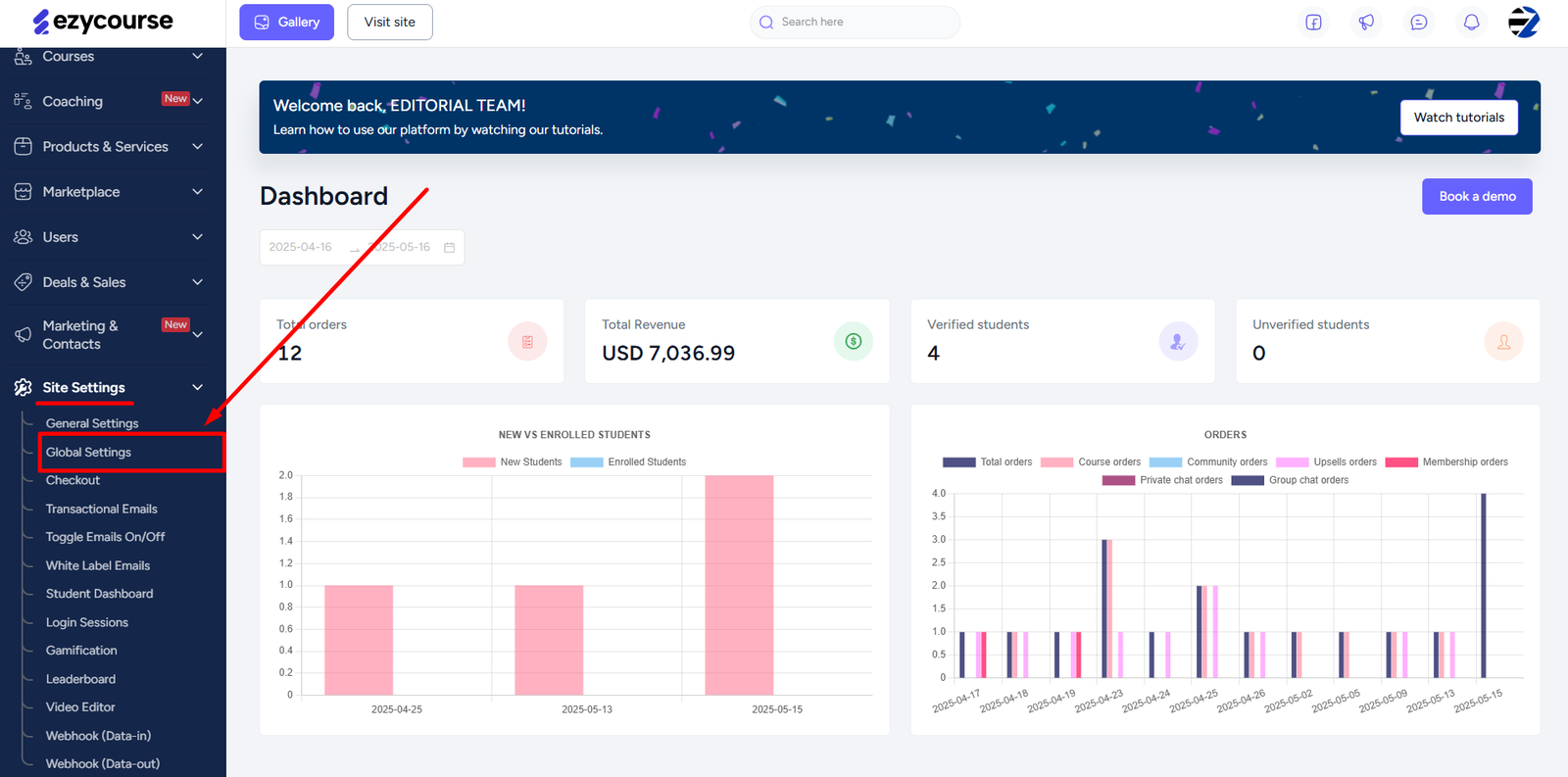
At first login to your EzyCourse dashboard, go to Site Settings -> Global Settings.
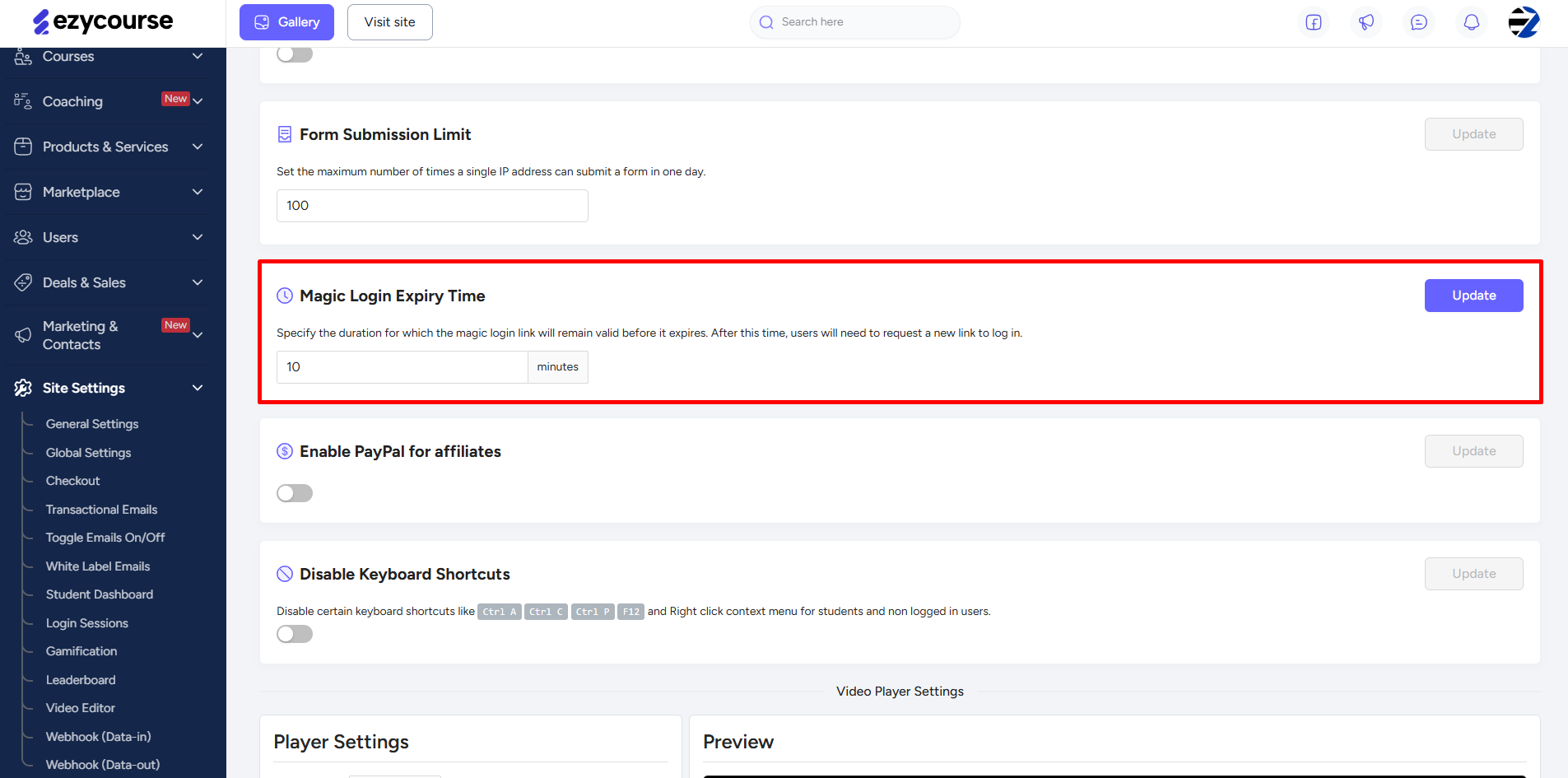
Scroll down a little and then you will find the Magic Login Expiry Time settings option. Here, you will notice that the default expiry time set is “10 minutes”.
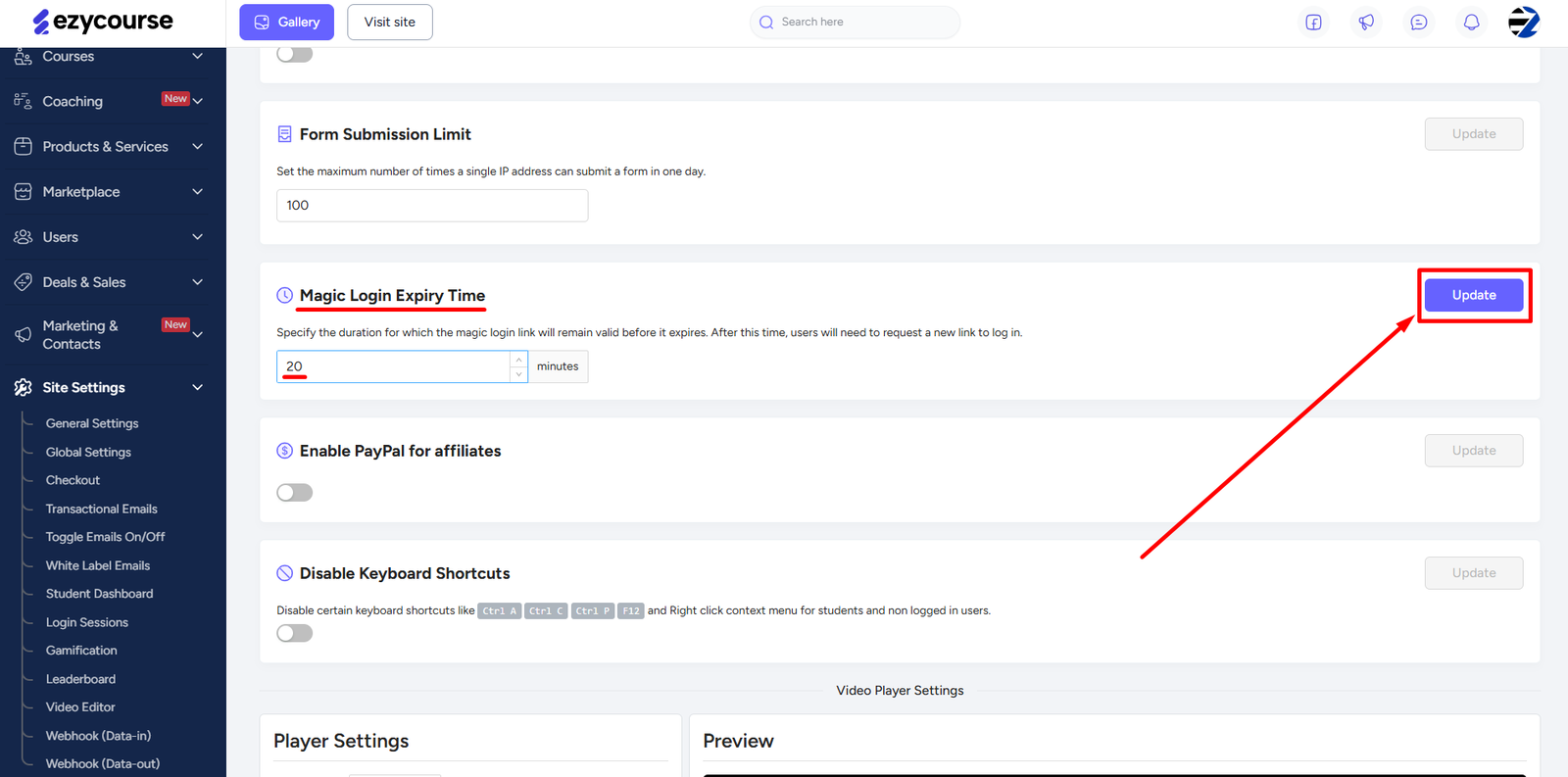
You can update the expiry time limit according to your choice. Once you’re done, click the Update button.
[Note: The magic login expiry time cannot be set less than 5 minutes.]
Once the expiry time ends, your students will need to request a new link to log in.