
Back
Student to Student Private Chat
You can choose whether to allow students to communicate with each other, inside a community. Enabling student to student private chat will help great stronger community engagement. In this article, you’ll learn how the student-student private chat works.
First, ensure you have the Private Chat addon. To do that, log in to your admin dashboard and expand the Addons menu. Go to Private Chat. From here, enable the private chat option first and then also turn on student-to-student chat option. This will allow students to chat privately with teachers and other students.


Finally, ensure the “all community members chat“ option is enabled from the community settings. You can enable it for an existing community from Products & Services → Communities → and going to edit a community. Without private chat addon, you cannot use this setting.

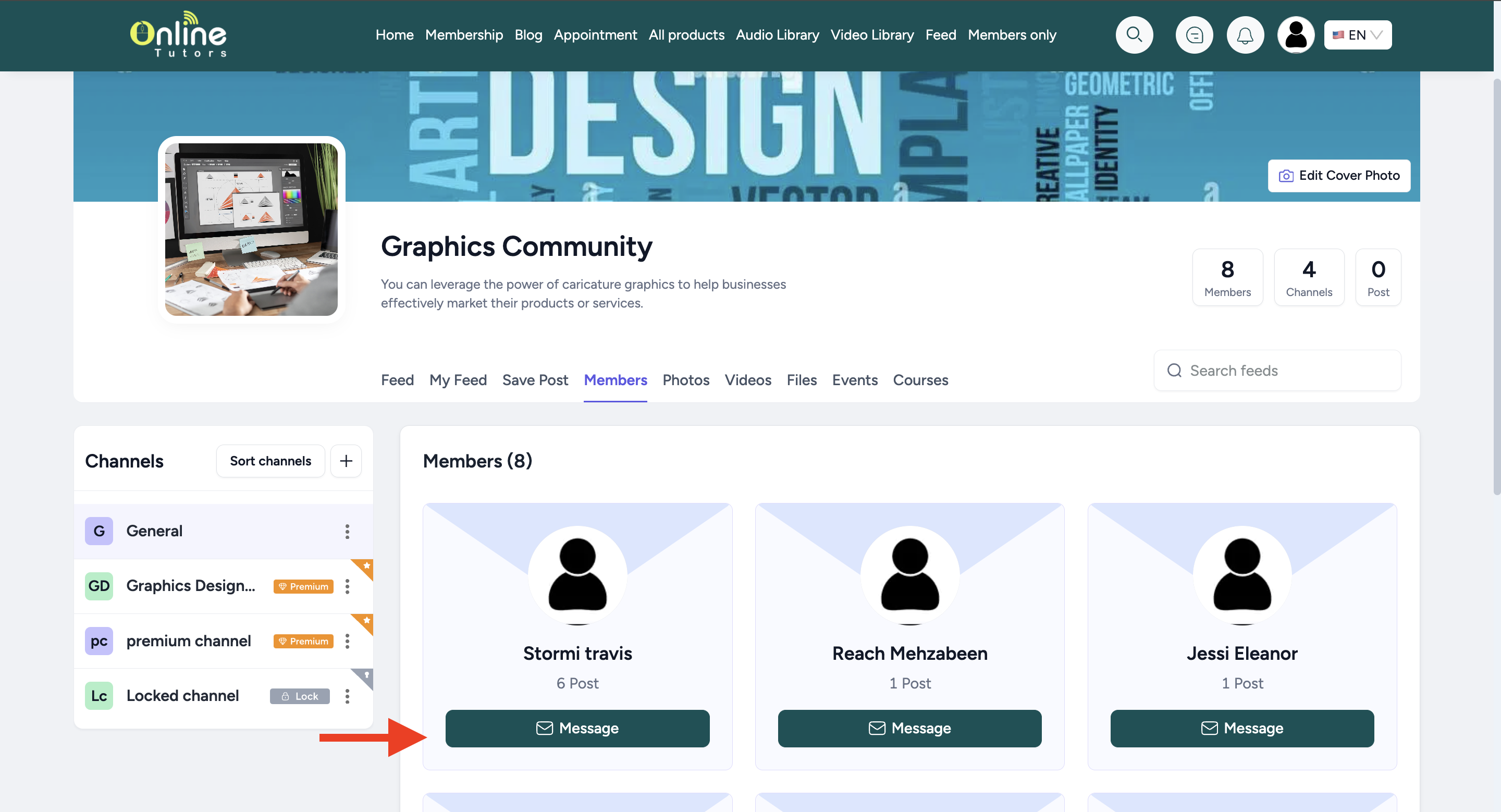
With these settings set, any student enrolled in the community can start chatting with other members from inside the community.
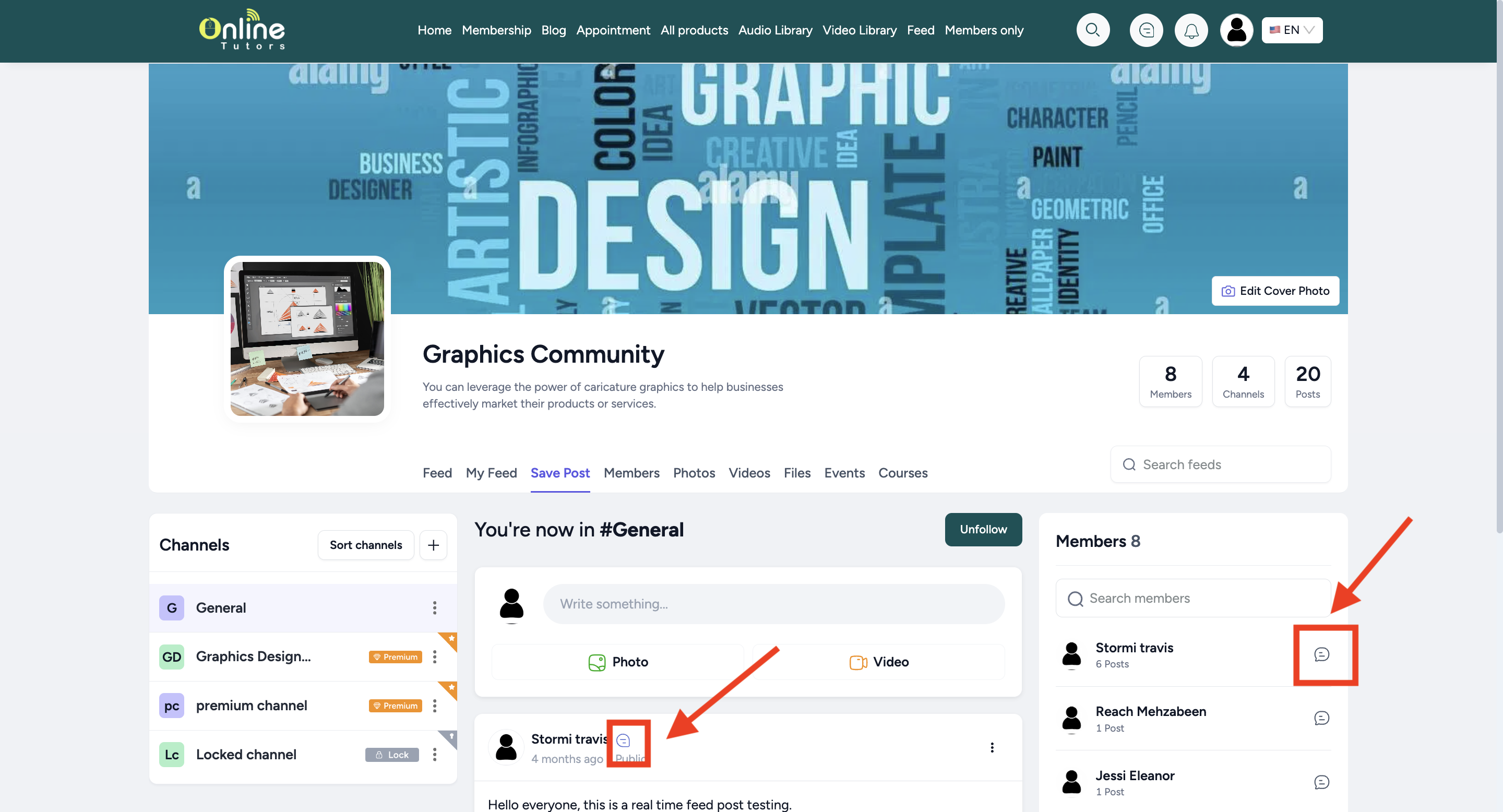
Private messaging anyone is easier from the Members tab.
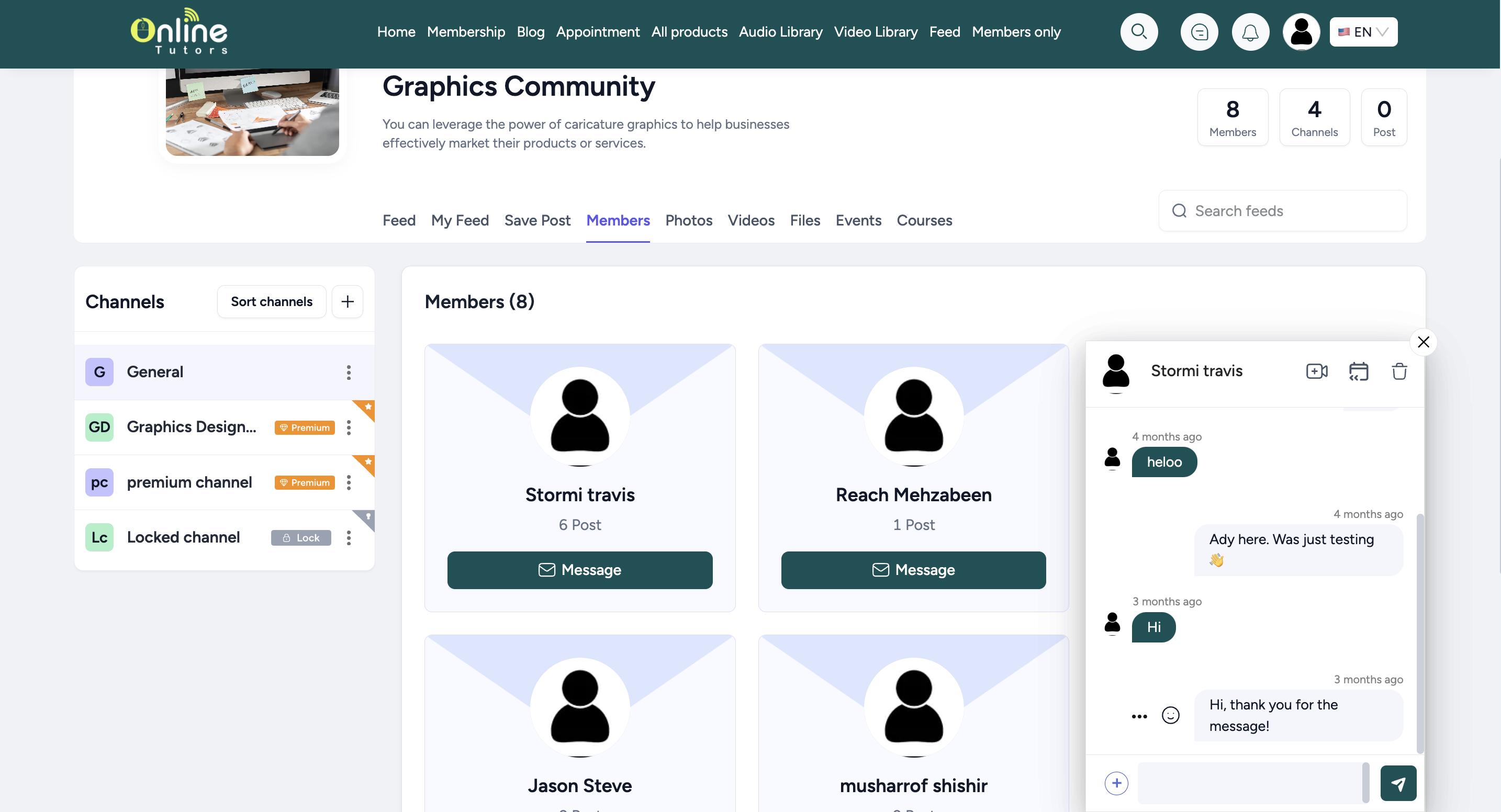
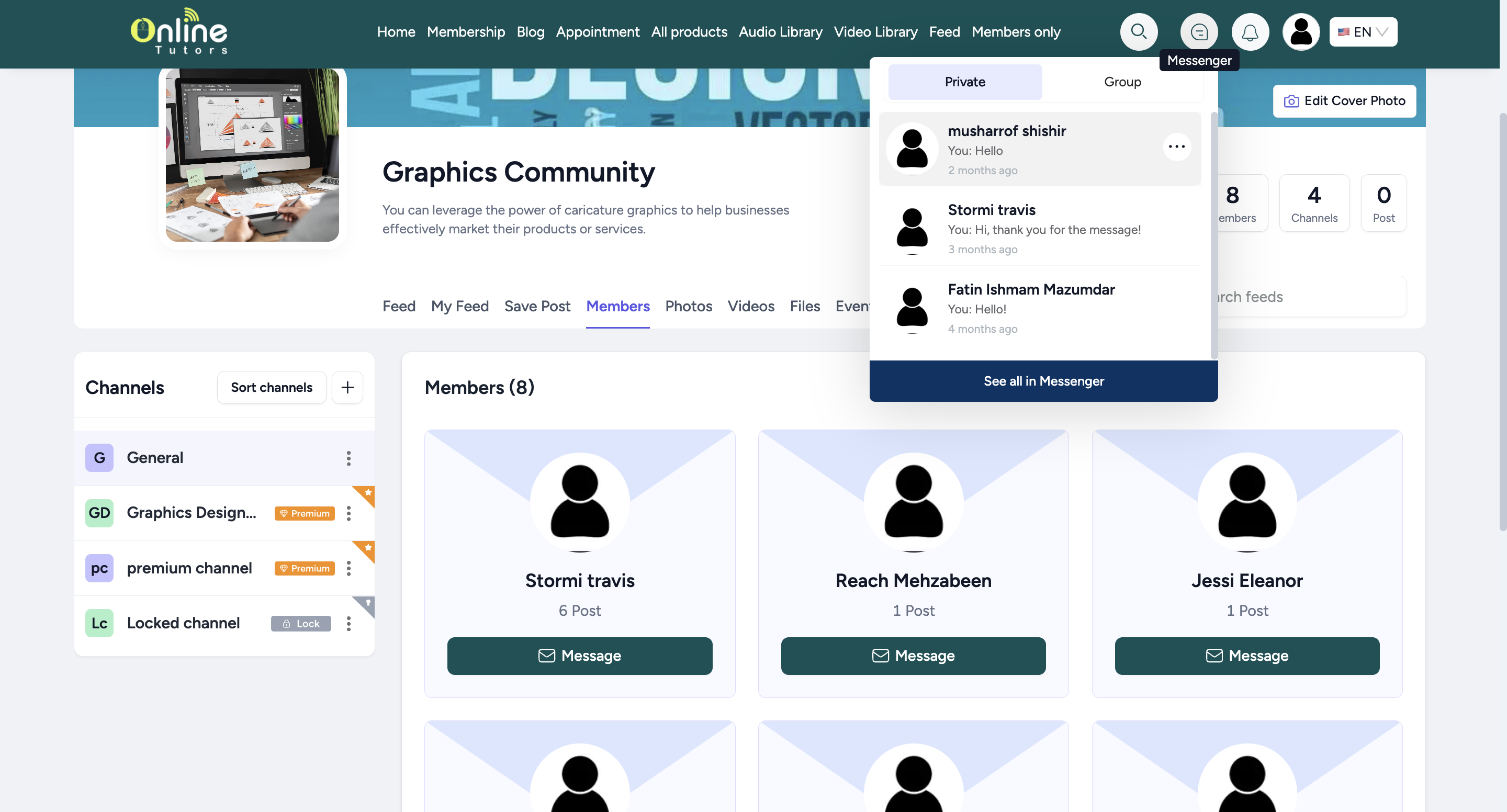
A student will receive the message on the messenger tab like this -
Students cannot use private chat feature in case of messaging members outside of their community, unless you give them direct access from Products & Services → Private Chat. Simply add a member to give them access to chat with teachers and any other student in the whole platform.
